 Modulva
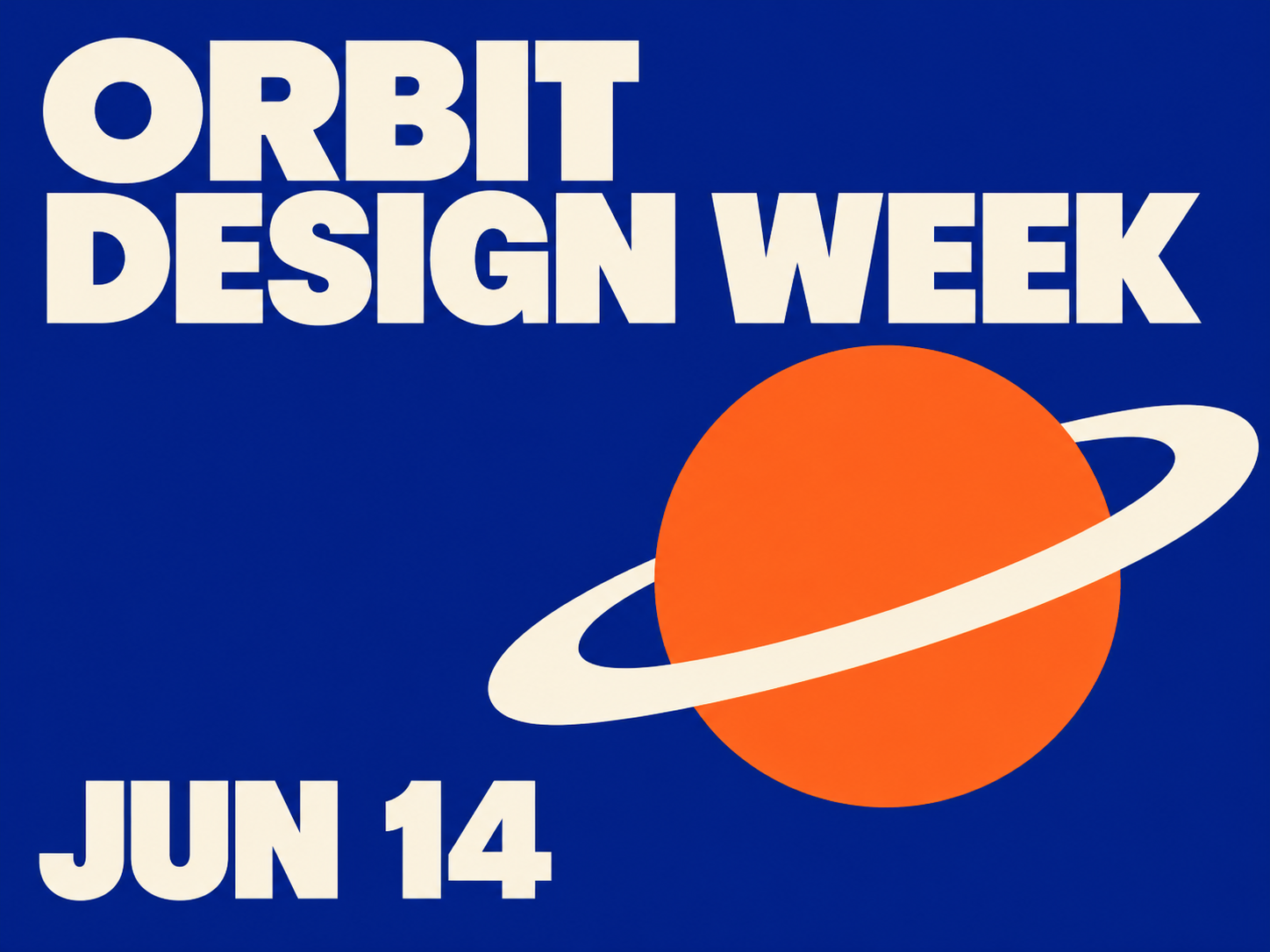
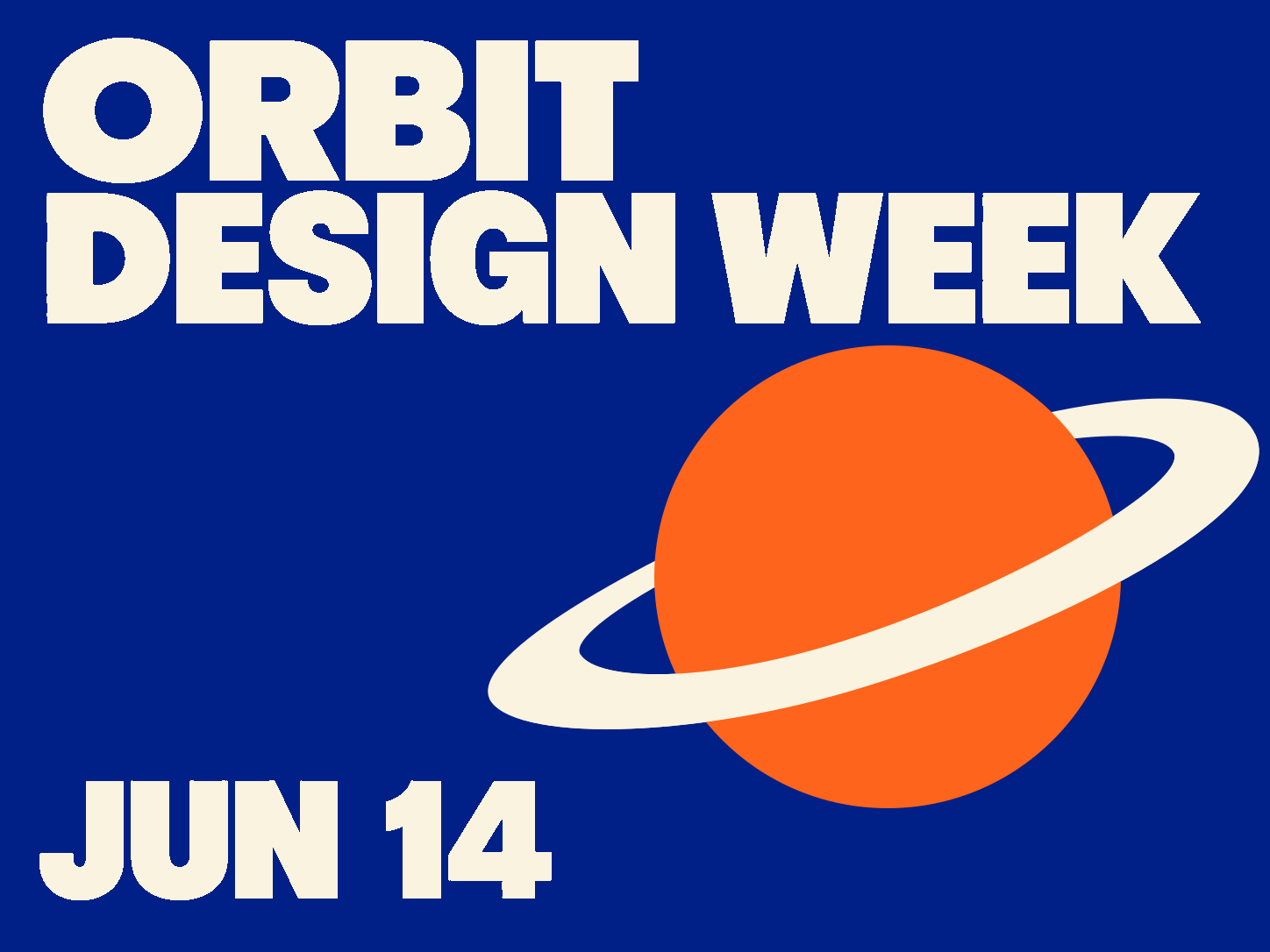
Turn a flat image into editable text, shapes and layers.
Change
the words, colors and layout.
Drag and drop an image here
Your layout, fonts, and complex graphics are perfectly preserved.
Select and adjust text, shapes and image layers independently.
Large AI models recognize text and shapes in your image and rebuild them as SVG elements you can edit individually.
Choose an image and select Start. Sign in with Google or add credits if prompted, then select Start again.
Open the downloaded SVG in a vector editor to change recognized text and shapes. Photos and complex textures may remain image layers.
JPG, PNG, JPEG and WebP, up to 20 MB and 40 megapixels.
Starting a conversion uses 1 credit. If the conversion fails, the credit is returned to your balance.
You can move elements in the homepage example for free. Converting your own image costs 1 credit.
Select Download SVG on the result canvas. Moving elements on the canvas leaves the downloaded SVG in its original layout.